Instagram Recovery: Complete Guide to Restore Your Account

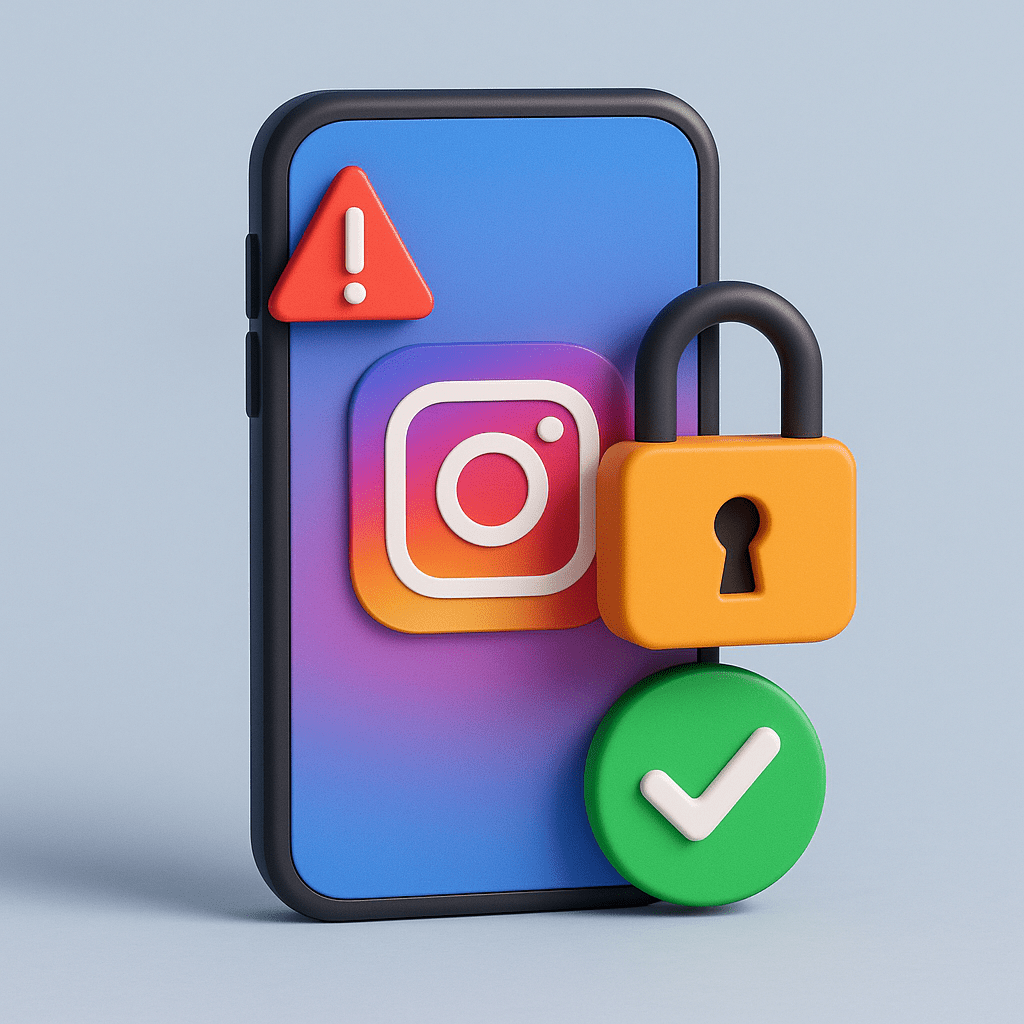
Instagram Recovery: Complete Guide to Restore Your Account

Introduction

Have you lost access to your Instagram account? Whether it was hacked, disabled, or suspended, don’t panic. Instagram provides multiple ways to get your profile back. In this guide, we will cover everything you need to know about Instagram recovery, step by step.

👉 If your account is still not fixed after following these steps, contact our support team for professional assistance

Why Do You Need Instagram Recovery

There are several common reasons users lose access to their accounts

Hacked Instagram account – someone changed your password or email

Disabled Instagram account – Instagram flagged your profile for policy violations

Suspended account – unusual activity triggered a temporary block

Login issues – lost access to your email or phone number

Understanding the cause will help you choose the right recovery method

Step 1: Recover a Hacked Instagram Account

If your account was hacked, follow these steps

Go to instagram.com/hacked

Select “My account was hacked”

Request a recovery code via email or phone

Check your inbox for a security email from Instagram—this often allows you to undo unauthorized changes

💡 Pro tip: Always enable two-factor authentication (2FA) to avoid future hacks

Step 2: Recover a Disabled Instagram Account

If your profile shows “Your account has been disabled”, it may be due to content violations—or sometimes, by mistake

Here’s how to recover it

Try logging in from the app

Tap “Request Review”

If necessary, fill out the Instagram appeal form

Many users succeed in recovering a disabled Instagram account within a few days

instagram recovery

Step 3: Instagram Recovery Without Email or Phone Number

Can’t access your email or phone? Don’t worry. You can still recover your account

Log in with your username instead

Use the Instagram recovery form to verify your identity

If you are Meta Verified, contact live chat support for faster help

Step 4: Contact Instagram Support

Most people search for “how to contact Instagram support”. While Instagram doesn’t have a direct phone number, here’s how you can reach them

Help Center: help.instagram.com

In-App Support: Settings → Help → Report a Problem

Meta Verified Support: Live chat available for verified users

instagram recovery account

Step 5: Secure Your Account After Recovery

Once you’ve completed your Instagram recovery, don’t forget to secure your account

  • Change your password to something strong and unique

  • Enable 2FA

  • Remove suspicious third-party apps

  • Keep your recovery email and phone number updated

Conclusion

Losing access to Instagram is frustrating, but recovery is possible. Whether your account was hacked, disabled, or suspended, following these steps will help you get back online

Still need help?

If your problem isn’t solved after trying these methods, don’t waste more time. Contact our professional support team now
— we’ve successfully recovered hundreds of Instagram accounts

5/5 - (1 امتیاز)
میثم سالاری
سلام، من میثم سالاری هستم. فعالیت حرفه ای من در حوزه اینستاگرام متمرکز است و طی سال های گذشته در زمینه های بازگردانی پیج اینستاگرام، افزایش امنیت حساب ها، تنظیمات پیشرفته کاربری و آشنایی با روند دریافت تیک آبی اینستاگرام تجربه و تخصص کسب کرده ام. هدف من ارائه اطلاعات دقیق و قابل اعتماد در حوزه مدیریت و حفظ امنیت حساب های اینستاگرامی است تا کاربران بتوانند با آگاهی بیشتر و اطمینان بالاتر از امکانات این پلتفرم استفاده کنند.

دیدگاهتان را بنویسید

نشانی ایمیل شما منتشر نخواهد شد. بخش‌های موردنیاز علامت‌گذاری شده‌اند *

تیک آبی برای پیجت میخوای؟!